PUBLIC REFERENCE
Airtable
Polished Workflow, Vibrant Efficiency — like a perfectly organized, brightly lit command center.
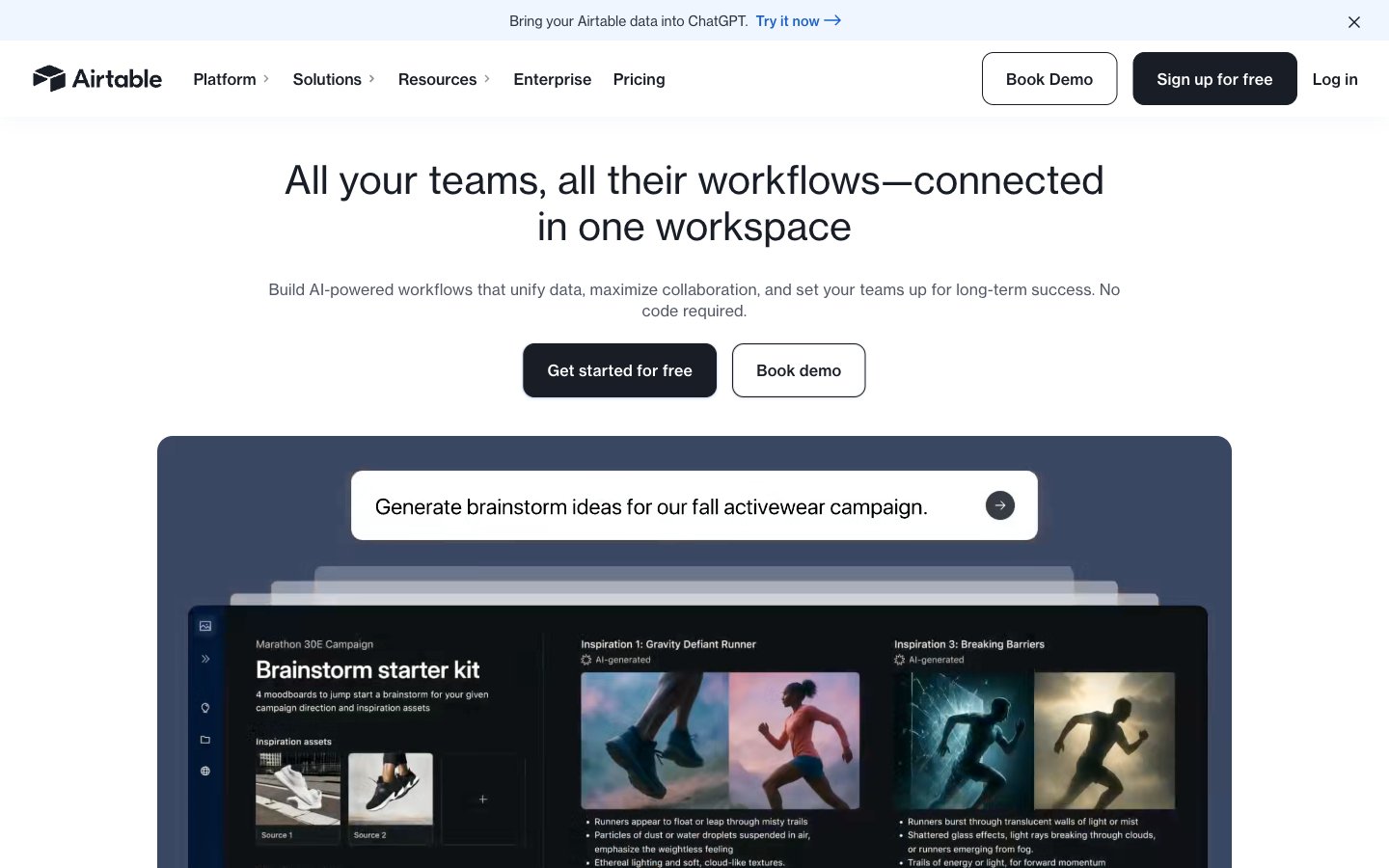
Colors
#ffffff Page background, primary surface color for cards and major sections.
#f8fafc Secondary background, subtle visual break for content cards and sections.
#faf5e8 Dominant canvas color, offers a slight warmth compared to pure white, establishing the overall page tone.
#181d26 Primary heading color, strong body text, and background for primary action buttons. The core dark neutral.
#333333 General text color, provides strong contrast against light backgrounds.
#333840 Default body text, slightly softer than Deep Graphite for secondary text information.
#e0e2e6 Subtle borders, dividers, and disabled button backgrounds.
#41454d Less prominent body text, link text in paragraphs.
#9297a0 Navigation text, inactive icons, subtle borders.
#c7e5f2 Light background shade, used on some interactive elements when hovered.
#040e20 Very dark text color, appears for headings and body text, a deeper contrast option.
#1b61c9 Call-to-action buttons, active navigation links, and interactive elements. Stands out clearly.
#c4dbfd Subtle accent, often appears as a box shadow for active elements or focus states.
#254fad Brand accent, used for specific interactive elements and highlighting key information, hinting at information or success.
#aa2d00 Brand accent, used in specific illustrative contexts and text highlighting, indicates urgency or warning.
#0a2e00 Brand accent, used for success indications and positive feedback, often in illustrative elements.
#fa91e0 Brand accent, used decoratively in illustrations and data visualizations for visual separation.
#fcb42a Brand accent, used for highlighting and decorative elements, adds a vibrant pop.
Do
- Prioritize Slate Ink (#181D26) for headlines and primary actions against light backgrounds for strong contrast.
- Use Ocean Accent (#1B61C9) exclusively for interactive elements like primary CTAs and active navigation links.
- Apply 12px border-radius consistently to all buttons and similar interactive elements for a softened feel.
- Maintain comfortable spacing with 16px for elementGap and 24-48px for cardPadding to ensure visual breathing room.
- Utilize Haas Groot Disp (or IBM Plex Sans fallback) at its 900 weight for eye-catching, high-impact headlines.
- Employ the full palette of vivid brand accents (Amethyst, Burnt Sienna, Forest Nudge, Sweet Pink, Sunburst) for illustrative elements, badges, or specific content blocks, not for core UI text or backgrounds.
- Elevate primary navigation and critical interactive buttons with subtle box shadows to indicate hierarchy and interactivity.
Don't
- Do not use Gray Mist (#E0E2E6) for primary text or backgrounds that require strong contrast.
- Avoid using the vivid brand accent colors for standard text or backgrounds; reserve them for highlighting and illustration.
- Do not introduce sharp corners on interactive components; maintain the established 12px or 16px radius for buttons and cards.
- Avoid excessive use of shadows; most elevation is achieved through color contrast and subtle background shades.
- Do not use letter-spacing on display-sized text; keep it normal for Haas Groot Disp at 48px.
- Do not condense spacing beyond 16px for element gaps; preserve the comfortable density.