PUBLIC REFERENCE
customer.io
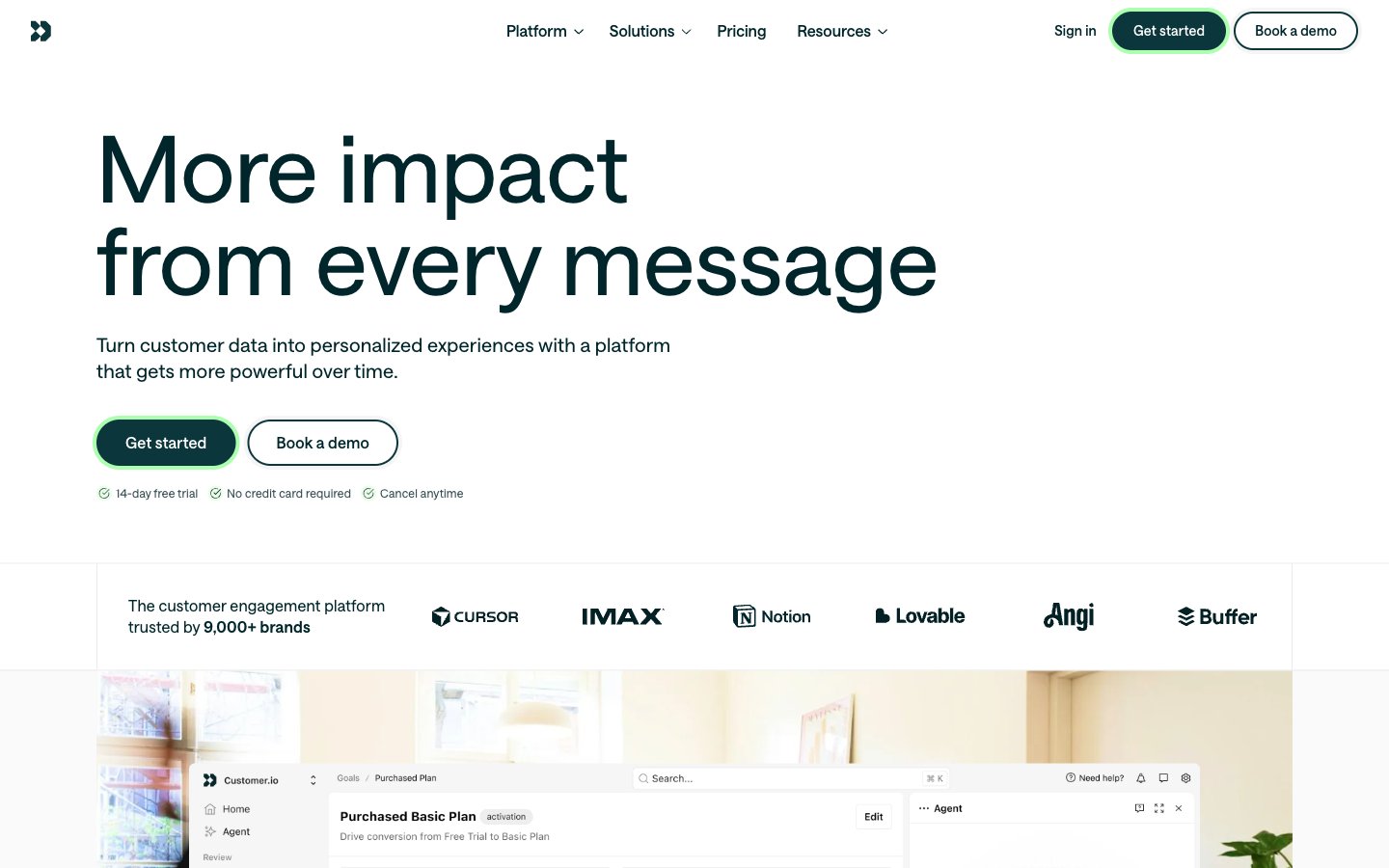
Architectural Blueprint on Frosted Glass
Colors
#00262b Primary text, prominent headings, dark button backgrounds, navigation text. This near-black provides strong contrast against light surfaces
#0b363b Secondary text, active navigation elements, button outlines, subtle borders. A deep, cool gray that maintains readability
#e0f4ff Decorative background accents, subtle borders on cards and images. A very light, cool gray with a hint of blue
#8b3911 Highlight text within body copy, decorative indicators. A vivid orange that draws attention to specific words
#0a3890 Highlight text within body copy, decorative indicators. A vivid violet that draws attention to specific words
#354d51 Muted text, less prominent body copy, icon fills. A medium-dark gray for secondary information
#4f6466 Subtle text for secondary buttons or helper text. A mid-tone gray that recedes
#a1c2c6 Lightest secondary text, faint borders, inactive states. A very light gray for tertiary information
#abffae Interactive button borders (e.g., ghost buttons), subtle highlights for active elements. A vivid, almost neon green-yellow that indicates interactive states
#437278 Link text, decorative icon fills. A muted teal for functional, clickable elements
#006af2 Numerical highlights (e.g., percentages), bold accents in headlines. A vivid blue for numerical and impactful data display
#eafde8 Primary page canvas and white card surfaces
#ebebeb Page background, main content area canvas. A light, neutral gray base for the entire interface
#ffffff Card backgrounds, navigation bar, interactive element fills. Provides a clean, bright layer above the canvas
#fafafa Subtly elevated card backgrounds, inner panel sections. A very light gray, barely distinct from white
#feefe8 Decorative background accents, subtle borders on cards and images. A very light, warm gray with a hint of warm tint
Do
- Prioritize Midnight Ink (#00262b) for all primary text and headings to ensure strong contrast and readability.
- Use Oceanic Deep (#0b363b) for essential interface elements like borders, secondary text, and active navigation indicators.
- Employ the pill-shaped radius (1.67772e+07px) exclusively for buttons and interactive tags to provide a consistent, user-friendly affordance.
- Utilize Surface White (#ffffff) for card backgrounds and elevated content areas to create visual separation from the Canvas (#ebebeb).
- Apply Spring Leaf (#abffae) sparingly for interactive button outlines or subtle highlights, leveraging its vividness as an accent.
- Maintain a clear visual hierarchy by adjusting font weight and size according to the defined type scale, ensuring proper letter-spacing for each role.
- Separate content sections with clear vertical spacing using the defined sectionGap of 96px for visual breathing room.
Don't
- Do not introduce new saturated primary colors; limit the palette to the defined brand and accent colors.
- Avoid heavy shadow effects; rely on subtle borders or background color shifts for elevation.
- Do not use highly decorative fonts; stick to the clean, functional 'saansFont' for all typography.
- Do not apply excessive padding or margins; follow the comfortable density established by the elementGap and cardPadding.
- Avoid arbitrary border radii; adhere to 2px for general elements, 6px for specific images, and the pill-shape for buttons.
- Do not use Electric Blue (#006af2) as a primary button background; reserve it for numerical highlights and specific headline accents.
- Do not introduce complex gradients; the system relies on solid colors and subtle achromatic shifts for surfaces.