PUBLIC REFERENCE
Apple
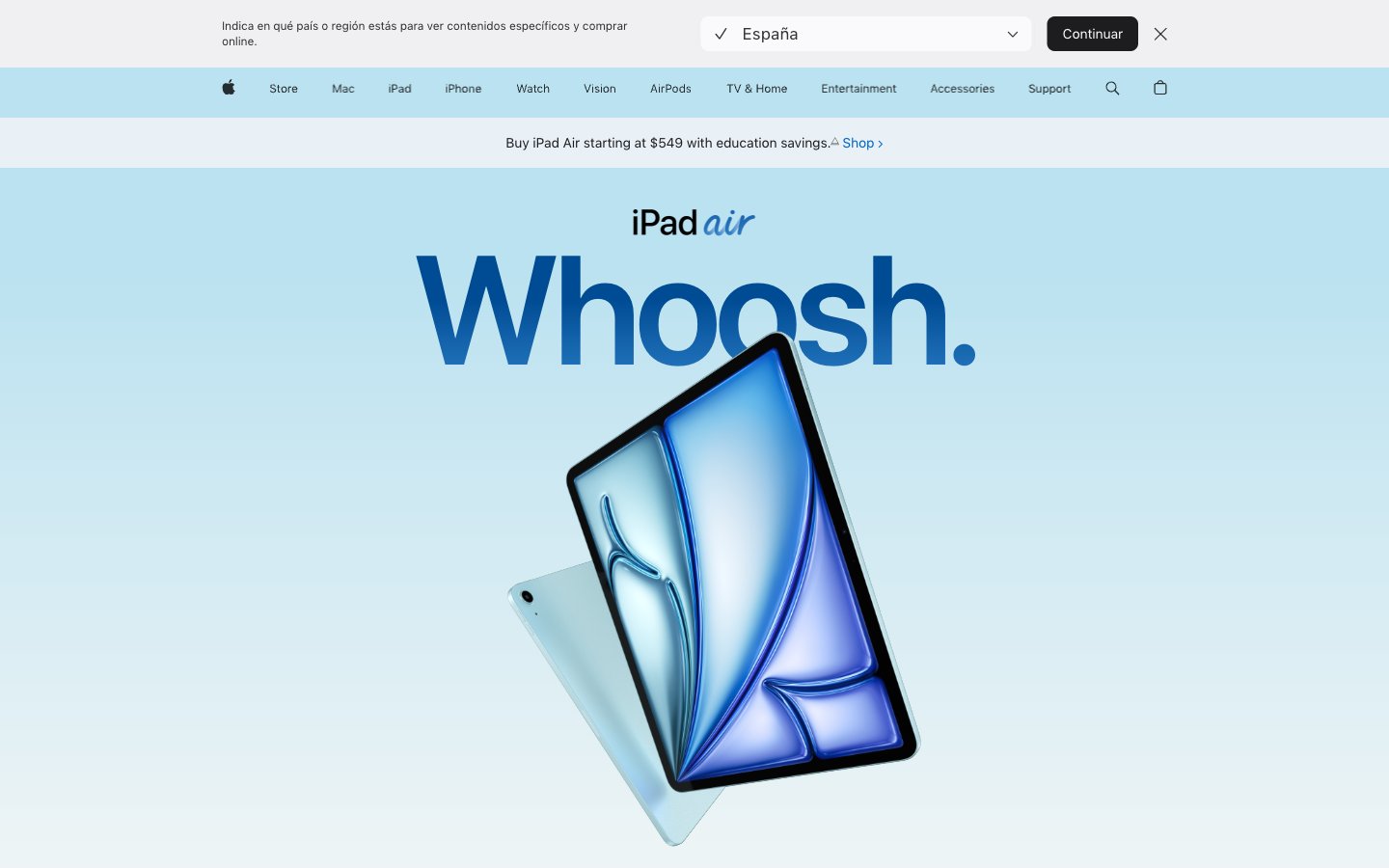
Precise Canvas, Vivid Product. A stark white presentation surface designed to make premium product imagery pop with singular focus.
Colors
#1d1d1f Primary heading and body text, button text, icon default.
#6b6c6c Secondary body text, supporting links, muted icons, footer text.
#ffffff Primary page background, elevated card surfaces, clean sections.
#f3f6f6 Subtle background for navigation, subtle section dividers, tertiary surface.
#cccfcf Delicate border colors, subtle outlines for form elements.
#313131 Tertiary text, certain icon elements, dark button text.
#444545 Navigation links, secondary link states, sometimes icon fills.
#e8e8ed Button backgrounds in certain states, subtle background tint.
#000000 High-contrast text, specific icons, input text.
#dedfe2 Call-to-action button backgrounds when muted, form outlines.
#0066cc Interactive links, primary action buttons, focused states. This is the dominant interactive brand color.
#00a1b3 Accent color for specific headings, product feature highlights.
#8668ff Accent color for specific headings, highlighting unique selling points.
#ed6300 Accent color for specific headings, drawing attention to new features.
#b64400 Badge backgrounds for 'New' indicators or special offers.
#0071e3 Primary call to action background, navigation highlights, focus outlines.
#004c94 Decorative background or hero element for product presentation.
#0090f7 High-impact visual elements, product imagery backgrounds, vivid showcases.
Do
- Prioritize SF Pro Text for all body copy and UI elements at weights 300, 400, and 600, applying precise letter-spacing adjustments as defined in the type scale.
- Use SF Pro Display for headlines and display text (40px and above), leveraging its tighter letter-spacing for visual impact.
- Employ Pure White (#ffffff) for primary content backgrounds and Frost Gray (#f3f6f6) for subtly differentiated sections or navigation.
- Reserve Ocean Blue (#0066cc) or Vivid Blue (#0071e3) for all primary interactive elements like buttons and links.
- Apply a 28px border radius for all cards and primary buttons to maintain a consistent soft edge.
- Maintain comfortable density spacing: 10px `elementGap` between small UI elements and a `sectionGap` of 70px to create ample breathing room between content blocks.
- Use Midnight Graphite (#1d1d1f) for primary text and Cloud Mist (#6b6c6c) for secondary/supporting text to create subtle typographic hierarchy.
Don't
- Do not introduce new saturated colors outside of the defined accent palette; rely on product imagery for additional color.
- Avoid heavy drop shadows or glows; use subtle surface differentiation (like Pure White on Frost Gray) for depth instead.
- Do not use generic system fonts when SF Pro Text or SF Pro Display are available; they are key to brand identity.
- Do not use border radii smaller than 12px or larger than 980px, except for defined components. Stick to 28px for cards and buttons.
- Avoid arbitrary custom padding values; adhere to the established `elementGap` of 10px, `cardPadding` of 14px, and section spacing of 70px.
- Do not use highly decorative or script fonts; maintain a clean, sans-serif aesthetic throughout.
- Never use dark mode toggles or styles; the aesthetic is strictly light-themed.