PUBLIC REFERENCE
Cursor
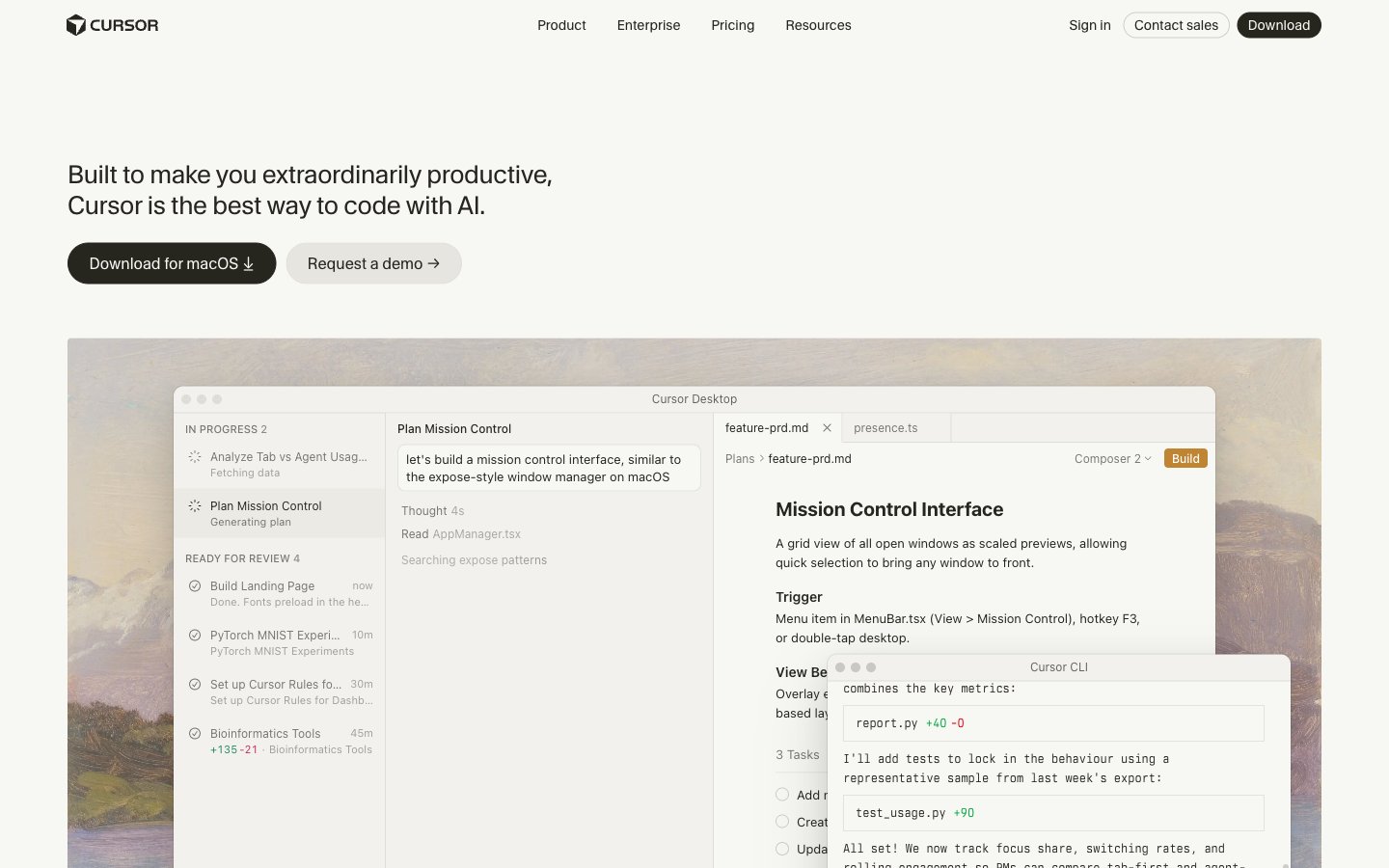
Warm ivory software studio.
Colors
#f7f7f4 Page backgrounds, card backgrounds, neutral button backgrounds — provides a soft, warm foundation.
#262510 Primary text, strong borders, navigation text — grounds the lighter surfaces with significant contrast.
#7a7974 Secondary text, subtle borders, icon fills — a mid-tone gray for less prominent information or structural lines.
#141414 Deepest text variant — for maximum contrast on headlines or critical information.
#e6e5e0 Hover states on neutral buttons, subtle card backgrounds — visually lighter than Canvas Parchment, indicating elevation.
#f54e00 Outlined action button borders and link text — a vibrant orange indicating interactive elements without a solid fill.
#4ade80 supporting accents, small interactive text snippets — a vivid green for positive or noteworthy cues, often within code examples.
#c08532 Accent for specific interactive states or icons, often found in button backgrounds for 'Build' actions.
#34785c Specific button backgrounds/borders like 'View PR' — a moderate green for distinct, yet secondary actions.
#cdcdc9 Subtle card backgrounds on nested elements, faint border color — a light neutral for separation with low visual weight.
Do
- Use CursorGothic for all headings and primary UI text, applying precise letter-spacing values (e.g., -0.45px at 72px, -0.08px at 22px).
- Elevate content with the multi-layered shadow token: rgba(0, 0, 0, 0.14) 0px 28px 70px 0px, rgba(0, 0, 0, 0.1) 0px 14px 32px 0px, oklab(0.263084 -0.00230259 0.0124794 / 0.1) 0px 0px 0px 1px.
- Apply Canvas Parchment (#f7f7f4) as the primary background for all major page sections and UI elements.
- Reserve Onyx Outline (#f54e00) exclusively for outlined interactive elements or prominent link text to signal primary action.
- Use 4px border-radius for most general rounded elements like cards and buttons, with 8px radius for more visually distinct components.
- Maintain a compact information density with an 8px element gap between related UI elements.
- Ensure input fields use a transparent background with Muted Stone (#7a7974) for borders, prioritizing readability of the input over strong visual containment.
Don't
- Do not use solid background colors for primary call-to-action buttons; prefer bordered actions with Onyx Outline (#f54e00).
- Avoid arbitrary shadow values; adhere strictly to the defined multi-layered shadow for all elevated cards and elements.
- Never use purely achromatic grays for primary text or borders; always use Inkwell (#26251e) or Muted Stone (#7a7974).
- Do not introduce new font families or weights beyond CursorGothic (400), Lato (400, 600), and berkeleyMono (400, 500).
- Do not use the vivid accent color Onyx Outline (#f54e00) as a background fill for any component.
- Avoid large, uncontained background images; all visuals should appear within component bounds or as subtle, textural overlays.
- Do not vary letter-spacing for standard body text or inputs; only apply the specified letter-spacing values for CursorGothic headlines.